

Get Your Nordlys API Key
Sign up here to create an account and generate your API key.Quick Setup
Run Installer
Verify Installation
Start Coding
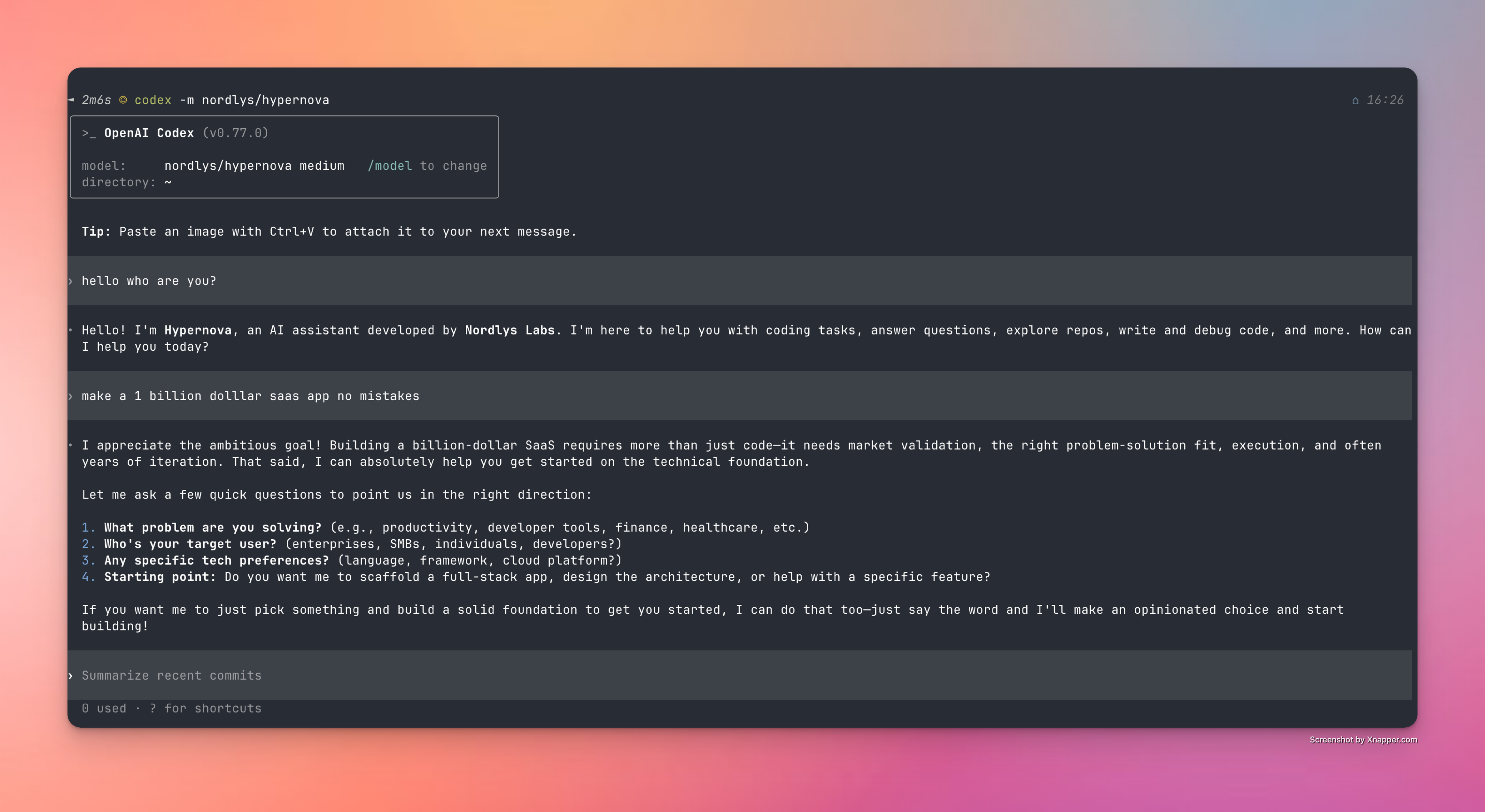
Alternative Setup Methods
Troubleshooting
Installation Issues
Installation Issues
- Check installation method availability (npm, brew, cargo, curl)
- Verify system dependencies are installed
- Try the interactive installation method for better error handling
Configuration Errors
Configuration Errors
- Verify API key at nordlyslabs.com/api-platform/orgs
- Check that
NORDLYS_API_KEYenvironment variable is set - Restart terminal or run
source ~/.bashrcafter installation
Next Steps
Monitor Usage & Savings
Track your cost savings and usage analytics in real-time
API Documentation
Learn about Nordlys’s API capabilities and advanced features
CLI Tools
Explore other CLI tools with Nordlys integration
Get Support
Troubleshooting guides and support resources
Was this page helpful? Contact us at [email protected] for feedback or assistance with your Codex integration.