

Benefits of Using Qwen Code with Nordlys
When you integrate Qwen Code with Nordlys, you unlock powerful capabilities:- Mixture of Models Activation: The right specialists activate per prompt
- Cost Optimization: Optimize API costs with lab‑tuned models
- Consistent Quality: Stable output quality across coding tasks
- Drop-in Integration: OpenAI-compatible settings with zero code changes
- Usage Analytics: Monitor model usage, costs, and performance in real-time
Get Your Nordlys API Key
Sign up here to create an account and generate your API key.Quick Setup
Run Automated Installer
- Install Qwen Code if not present (via npm)
- Configure OpenAI-compatible environment variables for Nordlys
- Add configuration to your shell profile (~/.bashrc, ~/.zshrc, etc.)
- Verify the installation
Verify Configuration
Start Using
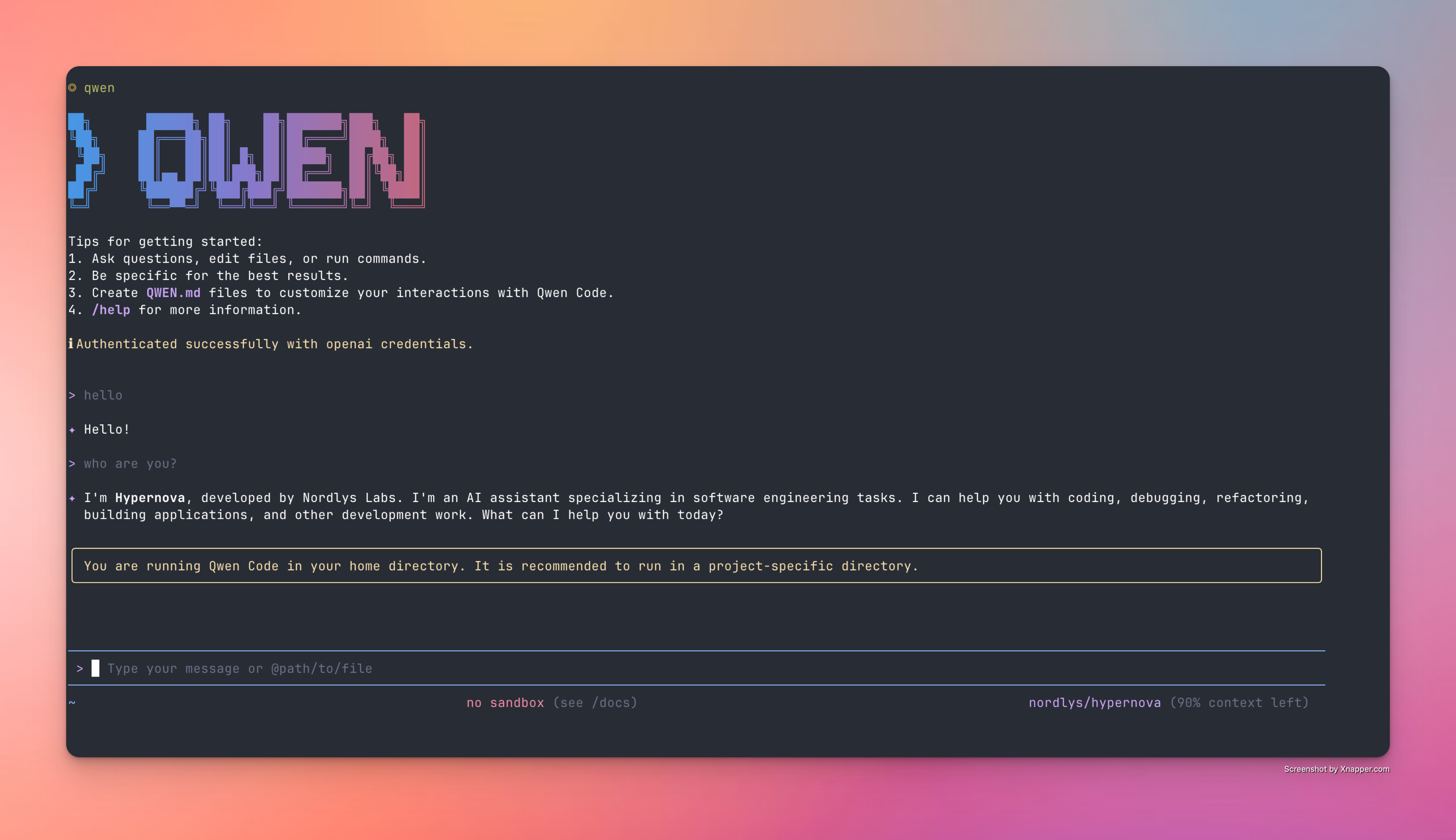
Manual Installation
If you prefer to set up Qwen Code manually or need more control over the installation process:Step 1: Install Qwen Code
Qwen Code requires Node.js 20 or higher. Check your version with
node --version.Step 2: Configure Environment Variables
Qwen Code uses OpenAI-compatible API configuration:Step 3: Apply Configuration
Step 4: Verify Installation
Alternative Setup Methods
Troubleshooting
Installation Issues
Installation Issues
Problem: Qwen Code installation failsSolutions:
-
Ensure Node.js 20+ is installed:
node --version -
Install Node.js if needed:
-
Check npm permissions:
npm config get prefix -
Try with sudo (not recommended):
sudo npm install -g @qwen-code/qwen-code -
Clear npm cache:
npm cache clean --force
Authentication Errors
Authentication Errors
Problem: “Unauthorized” or “Invalid API key” errorsSolutions:
- Verify your API key at nordlyslabs.com/api-platform/orgs
-
Check environment variables are set:
-
Ensure variables are exported in your shell config:
- Restart your terminal if changes were made to shell config
-
Verify the base URL is correct:
https://api.nordlyslabs.com/v1 -
Check for the
# qwen-codecomment to ensure correct environment variables
Connection Errors
Connection Errors
Problem: Cannot connect to Nordlys APISolutions:
- Check internet connectivity
-
Verify base URL is correct:
echo $OPENAI_BASE_URL -
Test API directly:
- Check if your network/firewall blocks the API endpoint
- Try using a different network or VPN
Model ID Issues
Model ID Issues
Problem: Requests fail due to a model ID errorSolutions:
-
Set the model ID explicitly:
- Confirm the value is spelled exactly and matches the docs.
Performance Issues
Performance Issues
Problem: Slow response times or timeoutsSolutions:
- Verify rate limits aren’t exceeded
- Check your network connection
- Reduce prompt size or request complexity
- Retry with smaller batches if processing large files
Uninstallation
If you need to remove Qwen Code or revert configuration:1
Remove Qwen Code
2
Remove Environment Variables
Edit your shell config file and remove these lines:
3
Reload Shell Configuration
Next Steps
Monitor Usage & Savings
Track your cost savings and usage analytics in real-time
API Documentation
Learn about Nordlys’s API capabilities and advanced features
More CLI Tools
Explore other CLI tools with Nordlys integration
Advanced Model selection
Learn about Nordlys Mixture of Models and load balancing
Was this page helpful? Contact us at
[email protected] for feedback or assistance
with your Qwen Code integration.