

Get Your Nordlys API Key
Sign up here to create an account and generate your API key.Quick Setup
Download Installer
Run Installer
~/.config/opencode/opencode.json.Select Model
Start OpenCode and run 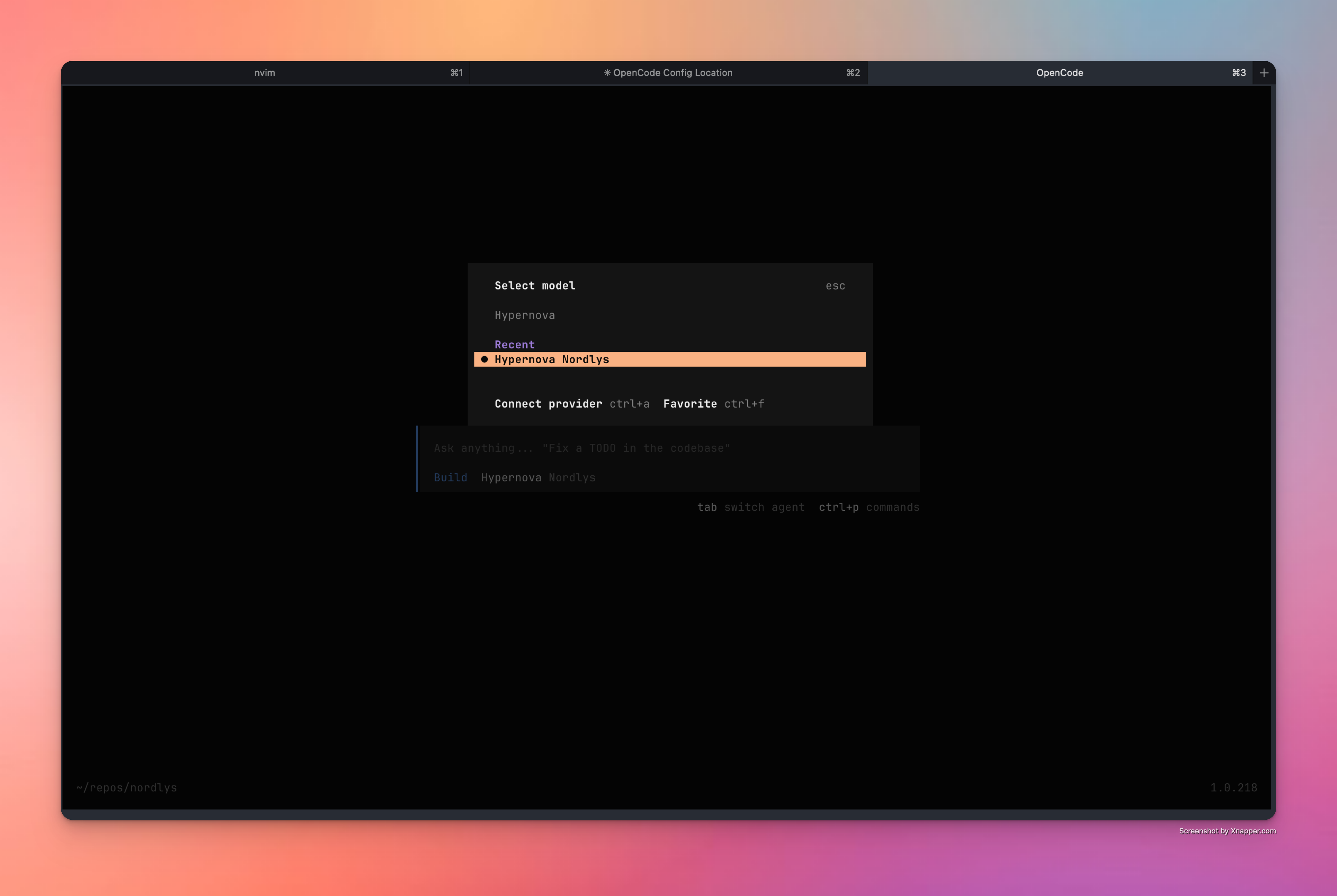
/models, then select “Hypernova Nordlys”.Start Coding
Hypernova is now active. Start chatting to verify the setup.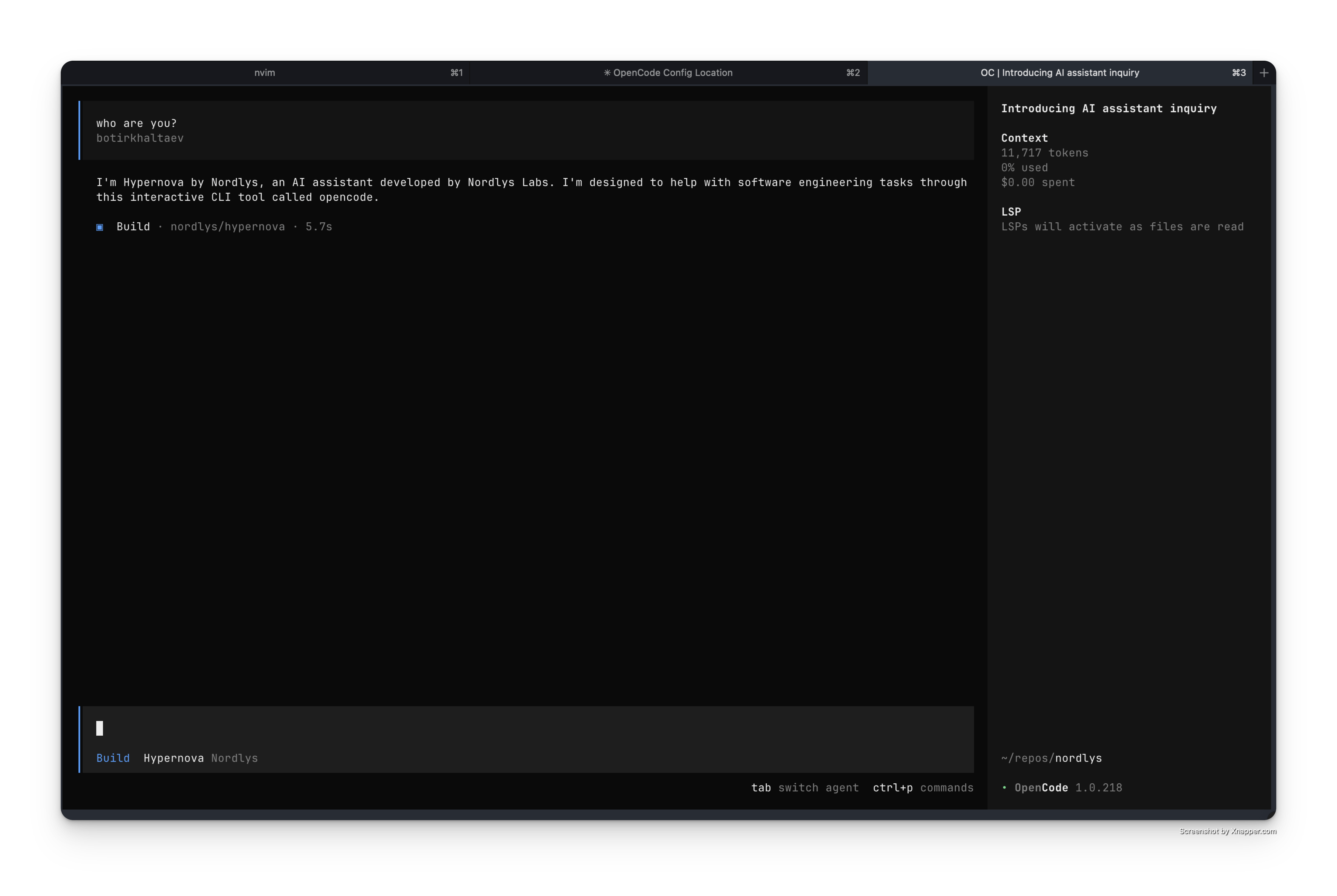
Alternative Setup Methods
Troubleshooting
Integration Not Appearing
Integration Not Appearing
- Check
opencode.jsonsyntax is valid JSON - Ensure integration ID “nordlys” matches between auth and config
- Run
opencode auth listto confirm credentials were added
Authentication Errors
Authentication Errors
- Regenerate API key from Nordlys dashboard
- Verify integration ID matches exactly between auth and config
- Try re-running
opencode auth loginand selecting “Other”
Next Steps
Monitor Usage & Savings
Track your usage analytics in real-time
API Documentation
Learn about Nordlys’s API capabilities and advanced features
Other IDE Integrations
Set up Nordlys with Claude Code, Cline, and other AI development tools
Get Support
Troubleshooting guides and support resources
Was this page helpful? Contact us at
[email protected] for feedback or assistance
with your OpenCode integration.